The MSME Guide to GST Invoice Management System (IMS) in 2026: Accept, Reject, or Pend?
By Smart Bill Book Team • June 20, 2026
The MSME Guide to GST Invoice Management System (IMS) in 2026: Accept, Reject, or Pend?
Welcome to the new era of continuous GST compliance in India. Gone are the days when filing goods and services tax returns was a passive, end-of-the-month chore. Since the GST Invoice Management System (IMS) went fully operational on the GST Portal, small business owners, retail shop keepers, and distributors have been thrust into an active role. Today, ensuring the accuracy of your Input Tax Credit (ITC) using GST IMS 2026 requires a proactive approach every week.
If you are an Indian MSME owner, you know how crucial Input Tax Credit is to your cash flow. Claiming incorrect or excess ITC can lead to severe tax notices and a 24% annual interest penalty. On the flip side, missing out on legitimate credit due to vendor mismatches directly hurts your bottom line. The newly implemented IMS is designed to resolve these long-standing buyer-supplier billing disputes. You can also read our guide on how to evaluate your supplier reliability score to protect your credit. However, it also demands that you master three essential actions: Accept, Reject, or Pending. In this detailed guide, we will break down everything you need to know to navigate IMS and keep your business compliant and profitable in 2026.
What is the GST Invoice Management System (IMS)?
The Invoice Management System (IMS) is a portal-based feature launched by the GST Network (GSTN). It acts as an active review ledger and a gatekeeper between your supplier's return filings and the generation of your GSTR-2B. In the past, when a supplier filed their GSTR-1 or used the Invoice Furnishing Facility (IFF), those invoices flowed directly and automatically into the buyer's GSTR-2B. Buyers had no control over what populated in their credit statements until the end of the month, resulting in massive mismatches, manual Excel reconciliations, and frequent disputes with suppliers.
IMS changes this dynamic completely. Invoices saved by suppliers in their GSTR-1, IFF, or GSTR-1A are now visible on the buyer's IMS dashboard in real-time. Instead of passively receiving whatever the supplier uploaded, buyers must now actively review and choose an action for each inward invoice. This workflow ensures that only verified, legitimate transactions make their way into your final GSTR-2B, which is used to claim credit in GSTR-3B. It represents a structural shift from traditional, retrospective month-end tax filing to continuous invoice management.
The Three Actions in GST IMS 2026: Accept, Reject, and Pending
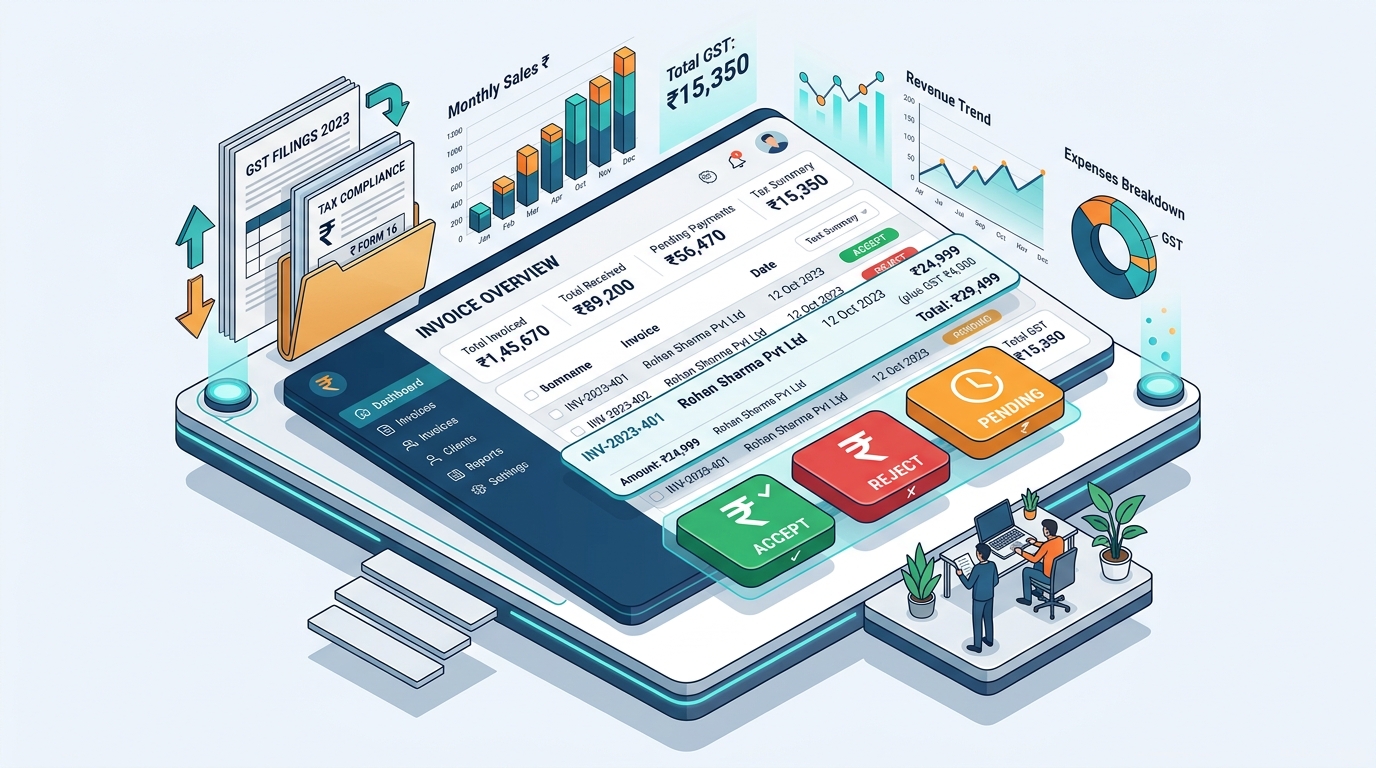
When you log in to the IMS dashboard, you will see a list of all invoices uploaded by your suppliers. For each document, you must take one of three actions. Understanding when and why to select each action is critical to protecting your business.

1. Accept
The Accept action is straightforward. You select this option when the invoice details match your purchase register exactly. By accepting an invoice, you confirm that:
- The goods or services have been received by your business.
- The transaction values (taxable value, GST rate, CGST, SGST, IGST) match your physical invoice and purchase ledger.
- The vendor has used the correct GSTIN.
Once you accept an invoice, it is moved to the "Accepted" queue. When the GST Portal generates your monthly GSTR-2B on the 14th of the following month, all accepted invoices will flow directly into the eligible ITC section. This ensures your credit is claimed on time, without delays.
2. Reject
The Reject action is your primary shield against vendor errors and fraudulent claims. You should reject an invoice in the following scenarios:
- The invoice does not belong to your business (e.g., the supplier entered a wrong GSTIN that happened to be yours).
- The supplier entered duplicate invoices.
- There are major discrepancies in the values, tax rates, or HSN codes that the supplier refuses to fix immediately.
- The transaction was canceled, but the supplier still uploaded the invoice.
When you reject an invoice, it does NOT flow into your GSTR-2B, preventing you from claiming incorrect ITC. Furthermore, the rejection is instantly flagged on the supplier's dashboard, alerting them that they must amend the invoice in their next GSTR-1 or GSTR-1A before you can accept it.
3. Pending
The Pending action is a temporary holding status. It is designed for situations where you cannot immediately accept or reject an invoice. Common use cases include:
- Goods in Transit: The supplier uploaded the invoice on the 30th of the month, but the goods did not arrive at your warehouse until the 3rd of the next month. Under GST rules, you cannot claim ITC until you have received the goods, so you must keep the invoice pending.
- Verification Required: You need to verify the delivery details or check with your purchasing department before approving the invoice.
- Supplier Disputes: There is a minor price discrepancy, and you are waiting for the supplier to issue a credit note or correction.
Pending invoices do not flow into the GSTR-2B of the current tax period. Instead, they roll over to the next month's IMS dashboard, giving you another opportunity to review and action them. However, you cannot keep invoices pending indefinitely. After a set period, usually one subsequent tax period, the system requires a final action.
The Danger of 'Deemed Acceptance'
What happens if you run out of time and take no action on an invoice? The GST portal has established a rule called Deemed Acceptance. If a buyer takes no action on an invoice by the time the GSTR-2B is generated on the 14th, the system automatically treats the invoice as accepted. This means the invoice will flow into GSTR-2B as eligible credit. While this ensures you don't lose credit due to inaction, it also exposes you to the risk of claiming faulty or erroneous ITC, which can lead to compliance audits and interest penalties later. Active verification is always the safest path.
How IMS Exclusions Work (RCM, ISD, and Imports)
To prevent unnecessary operational hurdles, the GST Network has excluded certain types of inward supplies from the IMS workflow. The following documents flow directly into your GSTR-2B as eligible credit and do not require you to take any manual action on the IMS dashboard:
- Reverse Charge Mechanism (RCM) Invoices: Since the buyer is responsible for paying tax directly on RCM transactions, these are excluded from IMS to avoid double verification.
- Input Service Distributor (ISD) Credits: Credits distributed by a head office to its branches flow directly based on the ISD returns filed.
- Import of Goods and Services: Customs data (ICEGATE) and import invoices are automatically verified through separate channels and flow directly to GSTR-2B.
These exclusions ensure that small businesses can focus their review efforts entirely on standard B2B transactions, where supplier-buyer mismatches are most common.
Step-by-Step Guide: Accessing and Actioning Invoices on the GST Portal
Managing the IMS dashboard on the GST portal is simple once you know the steps. Here is a practical walkthrough for MSME owners:
Step 1: Login
Go to the official GST Portal (www.gst.gov.in) and log in using your business credentials.
Step 2: Navigate to IMS
Go to Services > Returns > Invoice Management System (IMS) Dashboard. Select the Financial Year and the tax period you wish to review.
Step 3: Filter and Review
The dashboard will display summary cards for accepted, rejected, pending, and action-required invoices. Click on "Action Required" to view the detailed list of invoices uploaded by your suppliers.
Step 4: Take Action
Review each invoice against your purchase register. You can check the radio button for Accept, Reject, or Pending for each individual invoice. Alternatively, you can select multiple invoices and use the bulk action buttons at the bottom of the page.
Step 5: Modify if Needed
If you make a mistake, don't worry. You can modify your action on any invoice multiple times. The choices are only frozen once you file your GSTR-3B return for that tax period (refer to our detailed GSTR-3B return filing guide for walkthrough details).
Step 6: Handle Large Volumes
If your business processes hundreds of bills monthly, manual portal matching can be overwhelming. The GST portal offers an Excel-based IMS Offline Tool. You can download the JSON file of inward supplies from the portal, import it into the Excel tool, match it offline, and then upload the final action JSON back to the GST portal in one go.
Managing Vendor Compliance and Securing Your ITC
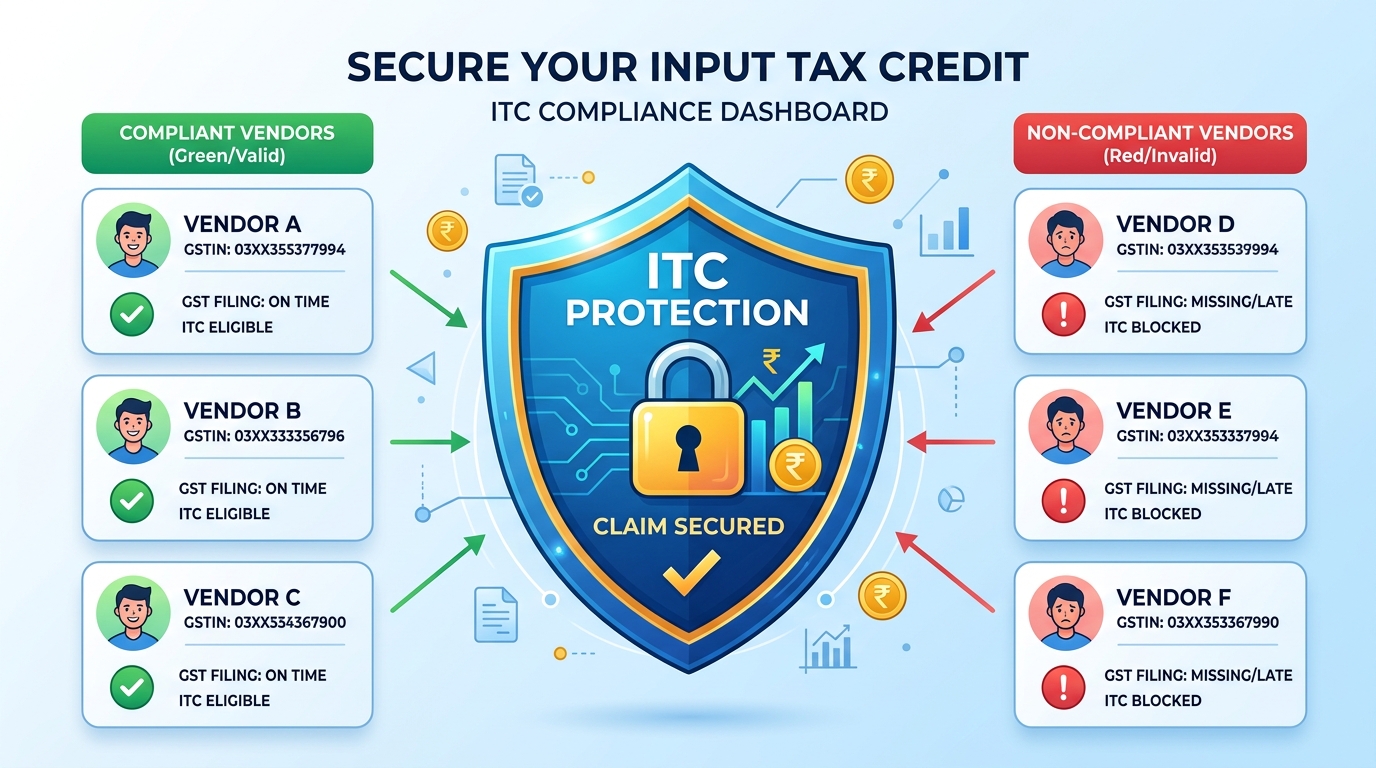
While the IMS dashboard provides the tools to manage your credit, doing so manually is highly time-consuming. Imagine matching 200 purchase invoices against 200 portal entries, line by line, every single month. It is a recipe for fatigue and human error.
This is where modern billing and accounting software like Smart Bill Book becomes invaluable. Instead of relying on manual Excel checks, Smart Bill Book automates the comparison between your local purchase ledger and the IMS data downloaded from the portal. This is highly aligned with our complete GST filing guide for small retailers which covers standard monthly returns. The software flags discrepancies in tax values, alerts you to missing invoices, and suggests which invoices to accept, reject, or keep pending. This automated reconciliation reduces manual verification time by over 90%, protects you from claiming incorrect ITC, and ensures your supplier network remains fully compliant.
Conclusion & Best Practices for IMS Success
The Invoice Management System is a powerful tool to ensure tax transparency, but it requires discipline from MSME owners. To keep your business compliant and ensure a healthy cash flow, implement these best practices:
- Establish a Weekly Routine: Don't wait until the 14th of the month. Review your IMS dashboard weekly to spot supplier errors early. This gives your suppliers enough time to amend invoices before the GSTR-2B generation cut-off.
- Match Before You Accept: Never click 'Accept' on an invoice unless you have verified that the goods have arrived and the invoice values match your records.
- Leverage 'Pending' Wisely: Use the pending status for all end-of-the-month shipments where goods are still in transit, ensuring you comply with physical receipt rules.
- Adopt Automated Billing: Move away from spreadsheets and paper registers. Use Smart Bill Book to keep a digital, real-time record of your purchases and automate GSTR-2B reconciliation.
Download Smart Bill Book for Windows or Android to automate your GST compliance and manage your business billing effortlessly today.
Frequently Asked Questions (FAQs)
What happens if I take no action on an invoice in IMS?
If you take no action, the invoice defaults to "deemed accepted" and flows directly into your GSTR-2B as eligible credit. However, this raises the risk of claiming incorrect ITC if the supplier made an error, which could attract tax penalties later.
Can I change my action after accepting or rejecting an invoice?
Yes. You can modify your action (e.g., from accepted to pending or rejected) as many times as you want before filing your GSTR-3B return for that tax period. Once GSTR-3B is filed, the actions are frozen.
Are import bills checked under the Invoice Management System?
No. Import of goods or services, Reverse Charge Mechanism (RCM) invoices, and Input Service Distributor (ISD) credits flow directly into GSTR-2B and do not pass through the IMS dashboard.
Do I need to check the IMS dashboard every month?
Yes, it is highly recommended to review IMS monthly before the GSTR-2B generation cycle to ensure you do not inherit incorrect or fraudulent vendor credits that could result in tax notices and interest penalties.
Start Billing Smarter Today 🚀
Join over 1 Lakh businesses using the best billing app in the market.